Concept map
Hard words first, then the kid version. Flip to Developer if you want the API names only.
| Thing | Like this | API / fact (17 Aug 2026) |
|---|---|---|
| PWA | A website that can live as an icon on your home screen | HTTPS + Web App Manifest + (usually) a service worker |
| Service worker | A helper that sits in the hallway and hands people files | Script with install → waiting → activate. MDN updated 29 May 2026. |
| Waiting worker | The new textbook sitting on a bench until class ends | registration.waiting after install, before activate |
| skipWaiting | Yelling "switch books now" mid-class | self.skipWaiting() override, not the default |
| clients.claim | The new helper takes over kids already in the room | self.clients.claim() on activate |
| Version probe | Checking the stamp on the library book vs the stamp at the desk | Baked NEXT_PUBLIC_BUILD_ID vs GET /api/pwa/version no-store |
| beforeinstallprompt | Chrome asking "put this on your home screen?" | Non-standard. Chromium only. MDN 28 July 2026. |
| iOS A2HS | Share → Add to Home Screen. No magic popup. | No BIP. apple-touch-icon. Web Push since iOS 16.4. |
| Isolated Web App | A locked lunchbox with a wax seal. Not a website you refresh. | Signed .swbn, isolated-app://. Chrome docs 6 Feb 2026. Enterprise Chromebooks. |
The waiting room
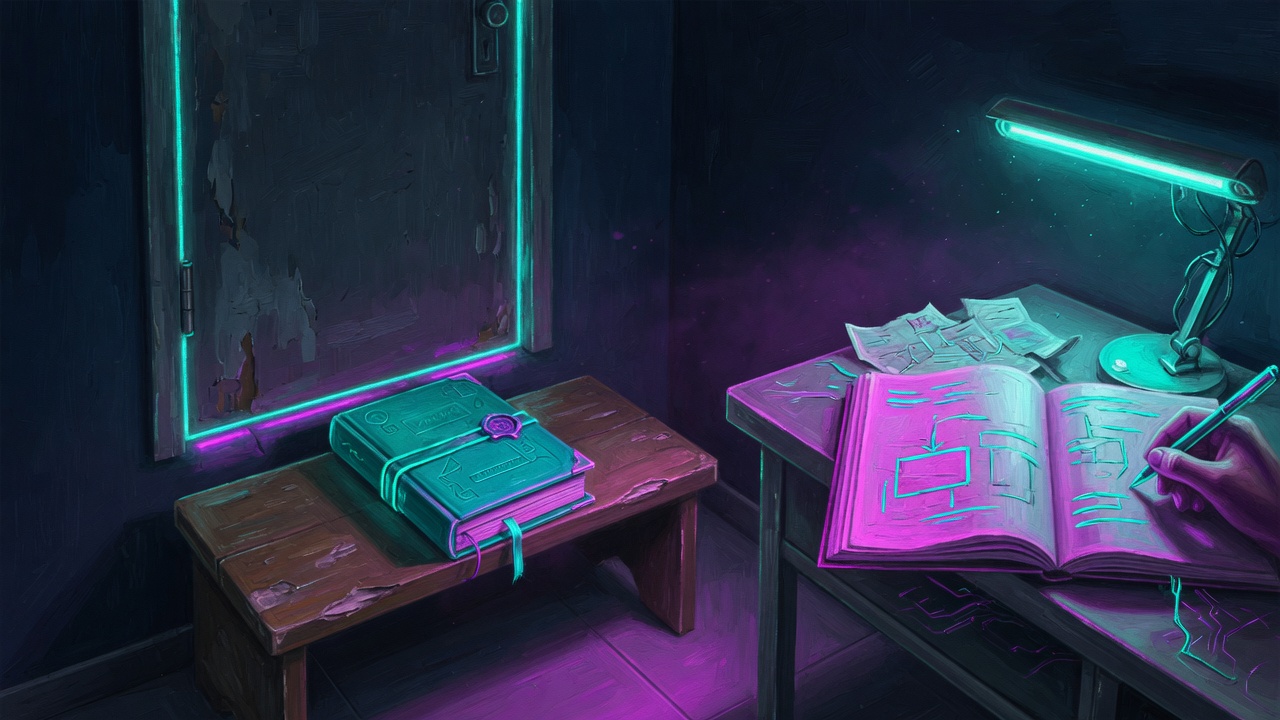
The helper (service worker) is not a button you mash. It has rooms: putting on shoes (install), sitting on the bench (waiting), then taking the job (activate). The bench exists so kids already in class keep the same book until the bell. MDN still describes that sequence (page last updated 29 May 2026).
A service worker is a script with a state machine, not a thread you restart. MDN Using Service Workers (29 May 2026): install, wait, activate. The wait keeps one controller for the lifetime of open pages.

flowchart LR
  I[installing] --> W[waiting]
  W -->|no old tabs or skipWaiting| A[activating]
  A -->|clients.claim| C[controlling fetch]
skipWaiting()
The new helper says "I will not wait for class to end." Use this only when the user taps Update.
Called from the new worker during install. MDN: override, not default.
clients.claim()
The new helper starts handing files to kids who already sat down. Without this, they keep the old helper until they leave and come back.
Activate-time. Existing tabs stay on the old controller until claim or reload.
controllerchange
The page hears "new helper in charge." Reload only after the kid agreed, or you rip the paper they were writing on.
Arm this listener after the user clicks. Auto-reload on every activation dumps unsaved state.
One helper per hallway
web.dev: one worker per scope. A helper in a side hall cannot see the main office unless you give it a hall pass (Service-Worker-Allowed: /).
/sw.js at origin controls /. A worker under /app/sw.js cannot intercept /api without the header.
If the helper switches books in the middle of a test, answers get mixed. Show a banner. Let the person tap.
skipWaiting + clients.claim + auto reload is the fastest swap and the fastest way to mix two JS bundles.
Two detectors, one banner
Path A
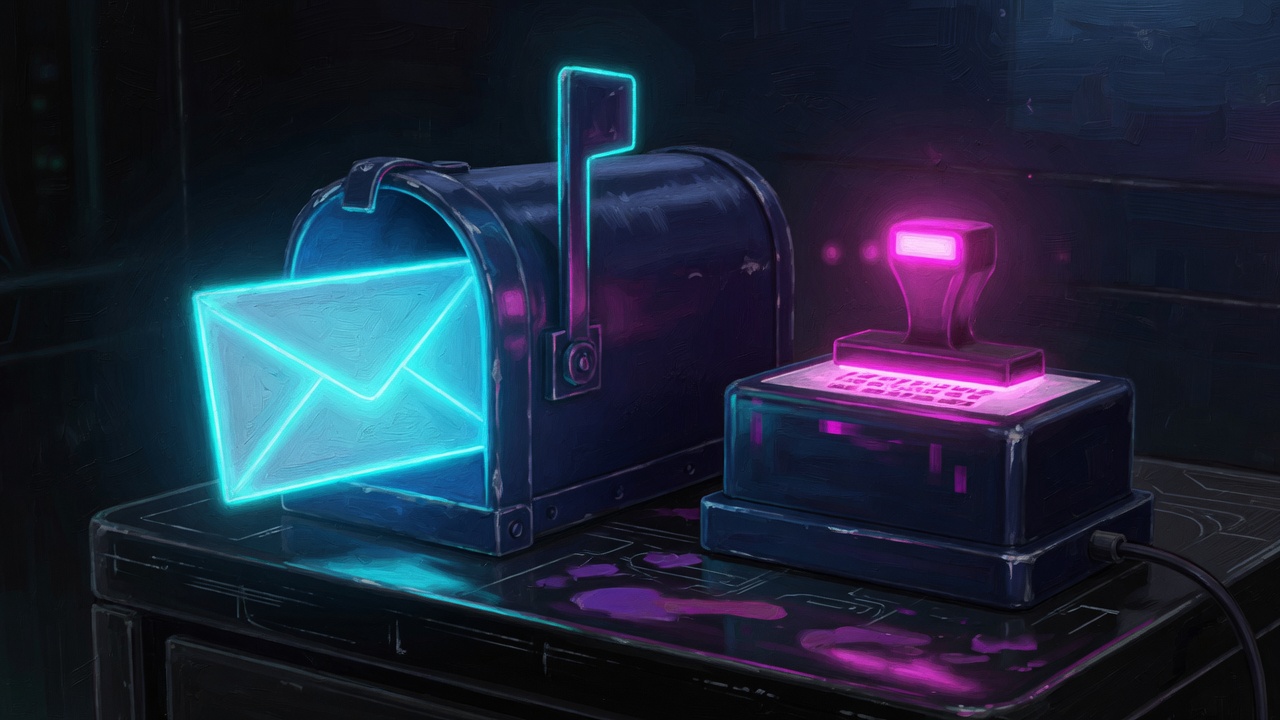
Ask the browser: is a new helper waiting? If yes, that is a real update. When the person taps Update, tell the waiter to stand up, then refresh the page.
Register /sw.js. Poll reg.update() on an interval and on visibilitychange. Apply: postMessage({type:'SKIP_WAITING'}), then reload on controllerchange only after that click. Optional CLEAR_CACHES first.
Path B
Write today's date inside the book when you print it. Ask the desk for today's date every time you open the book. If they disagree, the book in your bag is old. iPhone home-screen apps are forgetful about asking the helper. This stamp still works.
Bake NEXT_PUBLIC_BUILD_ID (or Vercel SHA). GET /api/pwa/version as force-dynamic with Cache-Control: no-store and CDN-Cache-Control: no-store. Compare to the baked id, not to the first fetch. A stale first fetch hides forever.

flowchart TD
  A[Page visible] --> B{reg.waiting?}
  A --> C{bakedId != liveId?}
  B -->|yes| D[Show Update banner]
  C -->|yes| D
  D --> E[User clicks]
  E --> F[SKIP_WAITING]
  F --> G[controllerchange]
  G --> H[reload]
Headers beat clever fetch handlers
If the school never looks at the new helper's name tag, the helper never sits on the bench. If someone photocopies the desk stamp and tapes it in the locker, Path B lies. That is a sign on the door, not a smart trick in the helper.
If the browser never revalidates sw.js, the lifecycle never runs. If the worker caches the version route, Path B lies. Host config, not app logic. Workbox will cache APIs unless you exclude them.
| File | Cache-Control | Worker fetch |
|---|---|---|
/sw.js | public, max-age=0, must-revalidate | browser fetches it |
/api/pwa/version | no-store on origin and CDN | network-only, never cache.put |
/api/** | app-specific | network-only |
| hashed JS / CSS | long cache | precache or SWR |
/offline.html | precache | navigate fallback only |
Set Vercel/Netlify/Cloudflare CDN headers too. Confirm with curl -sI after every host change.
Scope, offline, Workbox
The helper can only work in its hallway. Put it at the front door if you want it to see every room. An offline page is a note taped to the door: "We're closed, here's a snack." Do not tape that note over the kitchen (your APIs).
Precache an optional offline.html for failed navigations only. Never precache JSON APIs. Workbox runtime caching without an API denylist is the usual production bug. Two apps on one origin need distinct manifest id values and rewritten rel=manifest links; the first link in the head wins.
Install is two products
On a Windows or Android Chrome, the site can ask "Want an icon?" That ask is a special Chrome event. On an iPhone, there is no ask. You open Share and tap Add to Home Screen. The pretty picture is often apple-touch-icon, not the manifest PNG. If you change the picture later, the phone keeps the old one until you delete the icon and add it again.
MDN beforeinstallprompt (28 July 2026): no guaranteed timing. preventDefault(), keep the event, prompt() from your button. MDN how-to still marks BIP as non-standard, Chromium-only. iOS: no BIP. Web Push for Home Screen apps since 16.4 (Apple docs). Detect standalone with display-mode: standalone or navigator.standalone.
Isolated Web Apps are not a PWA upgrade
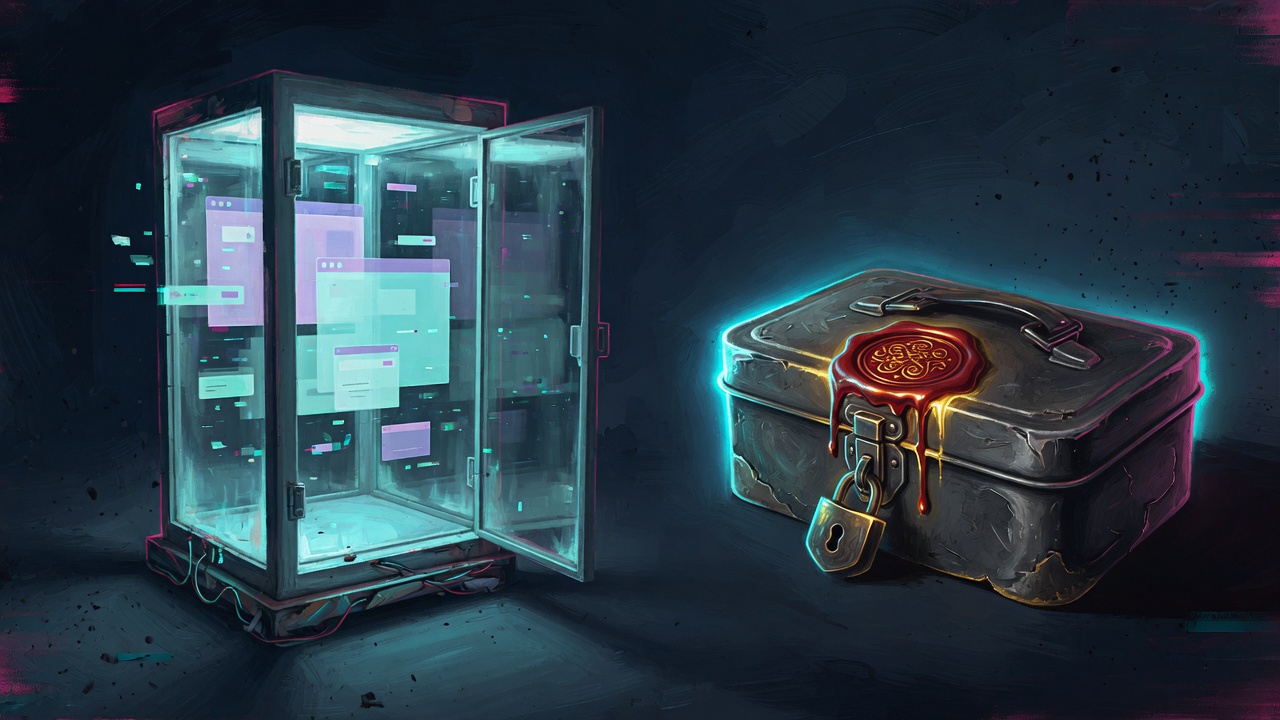
Chrome's Isolated Web Apps docs (6 February 2026) say the first release is for school-managed Chromebooks and special partners. You do not refresh a lunchbox. You swap the whole sealed box. The name on the box is the wax seal (a signing key), not the street address. Chrome's own advice: if you do not need the extra-powerful locked APIs, stay with a PWA.
Signed Web Bundle (.swbn), scheme isolated-app://, Ed25519 or P-256 keys, one key per app. Manifest at /.well-known/manifest.webmanifest with required version. Updates from update_manifest_url every 4 to 6 hours. No live HTML. Static or client-rendered only. Forced CSP, COOP/COEP, Trusted Types. High-trust APIs (Direct Sockets, Controlled Frame) need this model. Enterprise Admin panel force-install on ChromeOS.

flowchart LR
  W[Drive-by web] --> P[PWA]
  P -.->|not an upgrade| I[Isolated Web App]
  I --> B[signed .swbn]
  I --> U[update manifest 4-6h]
Failure modes
| What you see | Likely cause |
|---|---|
| Deployed, nobody updates | sw.js cached with max-age; or iOS never checking the worker (need Path B) |
| Banner never shows | Auto skipWaiting already ran; or version JSON served from Cache Storage |
| Two JS worlds in one tab | claim + fetch swap without reload |
| Install button dead on iPhone | Waiting for beforeinstallprompt that will not fire |
| Wrong icon after a rebrand | iOS kept the first apple-touch-icon; user must remove and re-add |
| Second PWA on same host looks like the first | Root manifest link still wins; rewrite href + use a distinct id |
Audit: curl -sI /sw.js and curl -sI /api/pwa/version. Expect revalidate on the worker file and no-store on the version JSON.
Cost Reality Check
- A PWA update path costs almost no money. It costs time if the door signs (headers) are wrong. Wrong signs mean people stay on the broken game.
- PWA updates are engineer time, not CU-hours: one no-store route,
reg.update()polls, a banner. - IWA ops are a release train: keys, hosted update manifest, Admin panel. Not a Netlify hook.
- One origin, one worker scope, one version endpoint, one apply button.
// Key Takeaways
1. Leave the new helper on the bench until someone taps Update.
2. Use two checks: waiting helper, and a stamp that is never photocopied.
3. Door signs matter more than a clever helper.
4. Chrome can ask to install. iPhone cannot. Teach Share → Add to Home Screen.
5. A locked lunchbox (IWA) is not a fancier website. It is a sealed box for school Chromebooks (as of Feb 2026).
1. MDN 29 May 2026: skipWaiting is an override. Activate after a click.
2. Dual path: registration.waiting plus baked id vs no-store version JSON.
3. Never cache the version route. Confirm both origin and CDN headers.
4. MDN 28 July 2026: beforeinstallprompt is Chromium-only.
5. Chrome IWA (6 Feb 2026): signed package, enterprise Chromebooks, 4–6h update manifest. Not a PWA flag.
- MDN: Using Service Workers (29 May 2026)
- MDN: beforeinstallprompt (28 July 2026)
- MDN: Trigger installation
- web.dev: Service workers
- Chrome: Isolated Web Apps (6 Feb 2026)
- Apple: Web Push in Home Screen web apps